 English
A microscope slide printer should be selected as part of the laboratory’s specimen-identification workflow, not as a standalone desktop device. Printing technology matters, but so do slide compatibility, barcode readability, loading capacity, software integration and the ability to maintain identification from sectioning through staining, scanning and archiving.
A microscope slide printer is a laboratory instrument that applies patient, specimen and tracking information directly to the printable area of a glass microscope slide.
Before comparing models, define the working conditions the printer must support:
Average and peak numbers of slides printed per shift
Slide brands, colors and frosted printing surfaces already in use
Required text, logos, 1D barcodes or 2D codes
Manual, scanner-driven or LIS/HIS-controlled data entry
Available bench space, electrical supply and network connections
Cleaning, maintenance and consumables requirements
A printer that performs well in a small research laboratory may not suit a high-volume pathology department. The best choice is the one that fits the actual slide workflow and preserves readable identification throughout downstream processing.
UV laser and inkjet systems create markings in different ways. An inkjet printer deposits ink onto the slide’s printable surface, while a UV laser system uses a focused beam to mark a compatible coated or colored area without applying ink.
Inkjet technology may offer flexible color output and a familiar printing process. However, buyers need to account for cartridges, printheads, cleaning cycles and the compatibility of the selected ink with alcohol, clearing agents, staining solutions and coverslipping procedures.
UV laser marking removes the need for ink cartridges or ribbons. It can also produce fine text and machine-readable codes without direct printhead contact. The slide surface still matters: laboratories should test the exact slide brand and printed area rather than assume that every frosted slide will produce the same contrast.
| Selection Factor | UV Laser Printing | Inkjet Printing |
| Marking method | Non-contact laser marking | Ink deposited onto the slide |
| Routine consumables | No ink cartridge or ribbon | Ink and printhead-related supplies may be required |
| Print contrast | Depends on laser settings and slide surface | Depends on ink, coating and print settings |
| Maintenance focus | Optics, extraction and internal cleaning | Printhead cleaning, ink supply and feed system |
| Chemical resistance | Must be validated with the selected slide and workflow | Must be validated for the ink, slide and workflow |
| Suitable buyer | Laboratories prioritizing permanent, high-resolution marking and lower consumable handling | Laboratories whose validated process requires an ink-based system |
The comparison should be based on tested samples rather than marketing claims. Ask the supplier to print the laboratory’s normal patient label format on the exact slides it intends to purchase. Those samples should then be passed through the same drying, staining, clearing and cleaning workflow used in routine operation.
A barcode is useful only when it can be scanned reliably at the points where staff need it. High print resolution helps, but resolution alone does not guarantee readability. Code size, contrast, quiet zones, data density, slide color, surface consistency and scanner configuration all influence the result.
A crowded label can create problems even when the printer is technically capable of producing it. Patient details, case numbers, block identifiers and laboratory codes should be arranged so that essential information remains readable by both people and scanners.
For 2D codes, adding more information usually increases code density. A very small, information-heavy code may be harder to scan after staining or prolonged handling. Laboratories should therefore decide which information must be printed on the slide and which data can remain in the LIS record.
Barcode testing should include slides from different batches and scanning at each intended workstation. A code that scans at the printer may behave differently at the microtome, staining area or digital slide scanner.
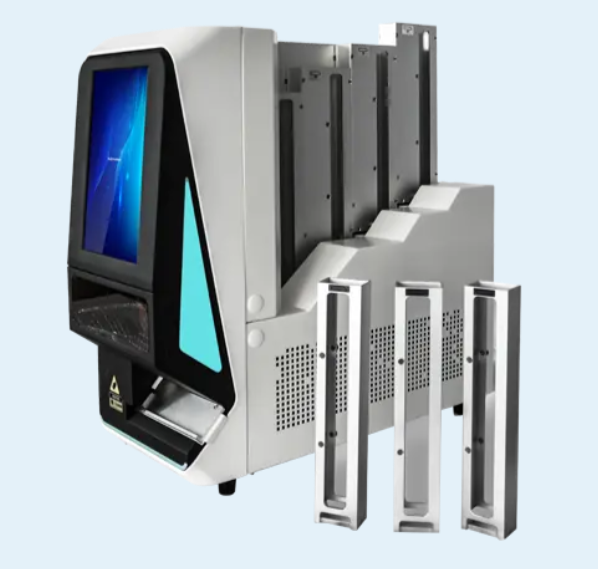
AMOS positions its histology printer range for specimen identification and tracking. The category includes the SM100 Slide Printer as well as EM400 and EM600 cassette printers, allowing laboratories to consider slide and cassette identification within the same broader histology workflow.
Connecting a printer to a laboratory information system can reduce repeated typing, but “LIS compatible” is not a complete technical specification. The laboratory and supplier still need to agree on how orders are received, how fields are mapped and how errors are handled.
Before purchasing, ask the supplier and LIS provider:
How does the printer receive print data from the LIS or HIS?
Which interfaces, drivers, middleware or network settings are required?
Can the software map patient, accession, block and slide-level fields?
Can users preview or confirm information before printing?
What happens if the network connection or LIS service is interrupted?
Are user permissions, audit records and reprint controls available?
Who is responsible for installation, validation and future software support?
A practical workflow may combine LIS integration with barcode scanning. For example, the operator can scan a cassette or work order, allow the system to retrieve the correct slide information and then print without manually re-entering the accession number.
The printer should also distinguish between an authorized reprint and an accidental duplicate. The exact control method depends on the laboratory software, but it should be addressed during implementation rather than after the equipment is installed.
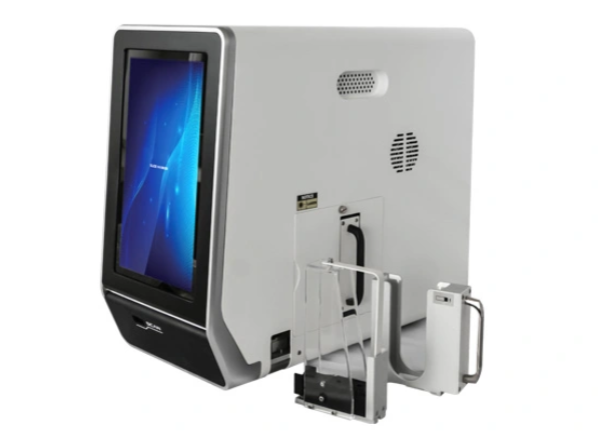
The AMOS SM100 is a non-contact UV laser glass slide printer designed for color-frosted slides. According to its published specification, it prints characters, numbers, letters, graphics, 1D barcodes and 2D codes. It can operate through built-in software on an 11-inch touch screen or connect to an external computer.
| SM100 Specification | Published Configuration |
| Printing technology | UV laser marking |
| Print speed | 3–5 seconds per slide |
| Print resolution | 2500 dpi |
| Compatible slide type | Color-frosted slides |
| Loading hopper | One hopper |
| Loading capacity | Up to 100 slides |
| Collection capacity | Up to 100 slides |
| System connection | Open for HIS/LIS connection |
| User interface | 11-inch touch screen |
| Barcode input | Built-in scanner; external scanner support |
| Dimensions | 490 × 230 × 435 mm |
| Weight | 22 kg |
| Power requirement | 100–240 V AC, 50/60 Hz, 300 VA |
| Additional configuration | Built-in air-purification system |
The listed speed of 3–5 seconds per slide can help with batch planning, but laboratories should not calculate throughput from print speed alone. Loading, order retrieval, barcode scanning, slide collection and exception handling also consume time. The SM100’s published loading and collection capacities are both 100 slides, which may reduce frequent manual refilling during batch work.
Before ordering, confirm the exact slide brands and colors supported, required software interfaces, barcode format, scanner compatibility and the scope of installation. A sample-print validation remains important even when the technical specifications match the laboratory’s requirements.
The equipment price should be compared with implementation and operating costs. UV laser systems may reduce ink-related consumables, but the quotation may still include software, interface development, installation, training, extraction components and future technical service.
Request a written quotation that identifies:
Printer, touch screen, scanner and standard accessories
Included software, licenses and external computer requirements
LIS/HIS connection scope and responsibility for interface work
Installation, user training and workflow validation
Recommended slide types and sample-testing arrangements
Warranty coverage, maintenance requirements and spare parts
Freight, insurance and any items supplied by the laboratory
Also ask whether the supplier can review a sample label format before shipment. This is often more useful than receiving a generic demonstration print because it tests the laboratory’s real field lengths, barcode density and slide layout.
Choose a microscope slide printer by testing the complete identification workflow: printing technology, slide compatibility, barcode readability, loading capacity and LIS integration. UV laser and inkjet systems can both be suitable when properly validated, but their consumables and maintenance needs differ. Product specifications should be confirmed with sample slides and the laboratory’s actual label format before purchase.
To evaluate the SM100 with your slide type, barcode format and LIS workflow, contact AMOS Scientific and provide your expected daily volume, sample label and integration requirements.
A microscope slide printer marks the printable area of the glass slide directly. A general label printer produces an adhesive label that must be attached separately. Direct printing removes the label-application step and can simplify automated slide tracking.
Neither technology is automatically better for every laboratory. UV laser systems avoid ink cartridges and use non-contact marking, while inkjet systems apply ink to the slide surface. The correct choice depends on slide compatibility, validated chemical resistance, maintenance and workflow requirements.
Yes. AMOS states that the SM100 can print characters, numbers, letters, graphics, 1D barcodes and 2D codes. Barcode size and content should still be tested with the scanners used in the laboratory.
The published specification lists color-frosted slides. Buyers should send or identify their preferred slide brand, color and surface type so compatibility and print contrast can be confirmed before purchase.
AMOS lists a print speed of 3–5 seconds per slide. Actual workflow throughput also depends on order retrieval, barcode scanning, loading, collection and how the laboratory handles reprints or exceptions.
The SM100 is listed as open for HIS/LIS connection. The exact implementation depends on the laboratory’s information system, interface method and field-mapping requirements, so these details should be reviewed with both the printer supplier and LIS provider.
Provide daily and peak slide volume, slide specifications, required barcode format, sample label layout, LIS/HIS details, network environment, destination and expected installation or training support.
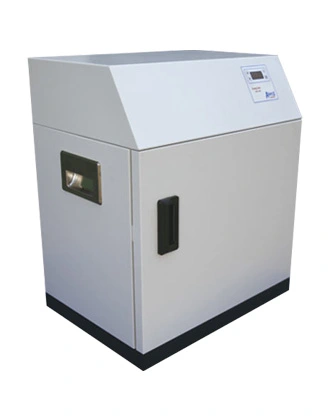 ADO260 Slide Drying Oven
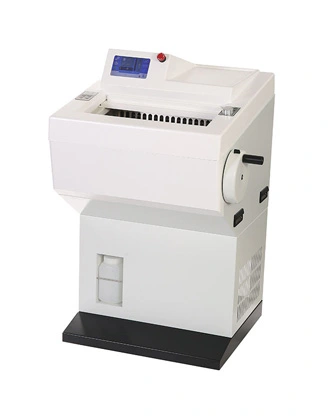 AST580 Fully-automatic Cryostat Microtome with Touch Screen
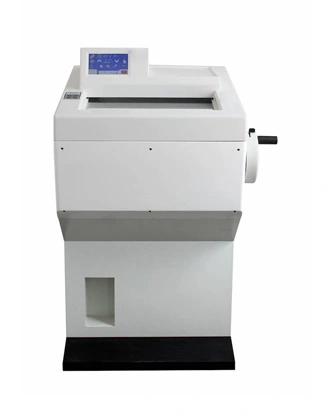 AST560 Semi-automatic Cryostat Microtome with Touch Screen
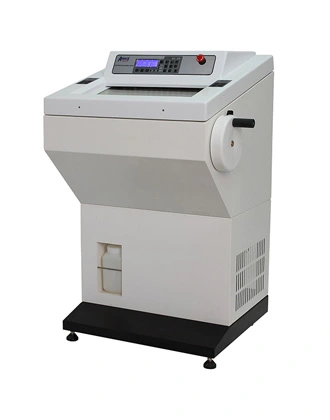 AST550 Fully-automatic Cryostat Microtome
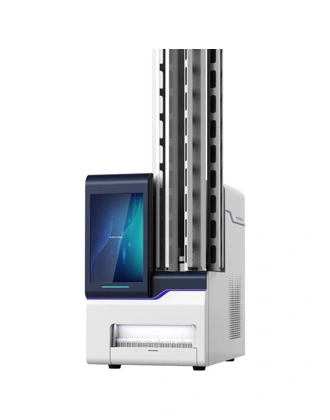 EM600 Cassette Printer
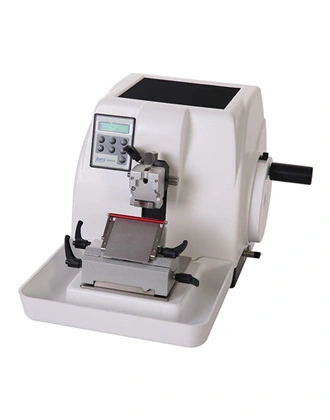 AEM450 Semi-automatic Rotary Microtome
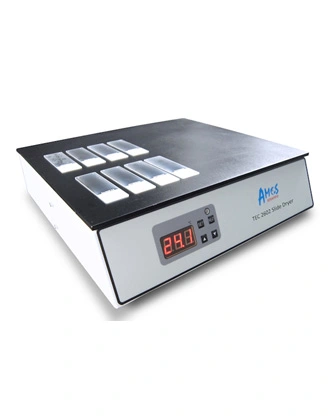 TEC2602 Slide Dryer
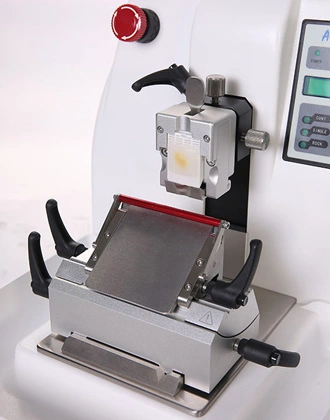 AEM480 Fully-automatic Rotary Microtome with Separate Control Panel